DDNS
This chapter introduces the DDNS settings.
Overview
Dynamic DNS (DDNS) is a method that automatically updates a name server in the Domain Name System, which allows users to alias a dynamic IP address to a static domain name. DDNS serves as a client tool and needs to coordinate with the DDNS server.
Prerequisites
- Register on a proper DNS service provider's website and apply for a domain name.
- Enable device remote access service as required.
Steps
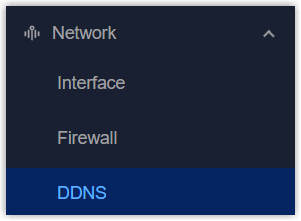
- On the left bar, select Network > DDNS page.
- Enable DDNS service and configure the basic settings.
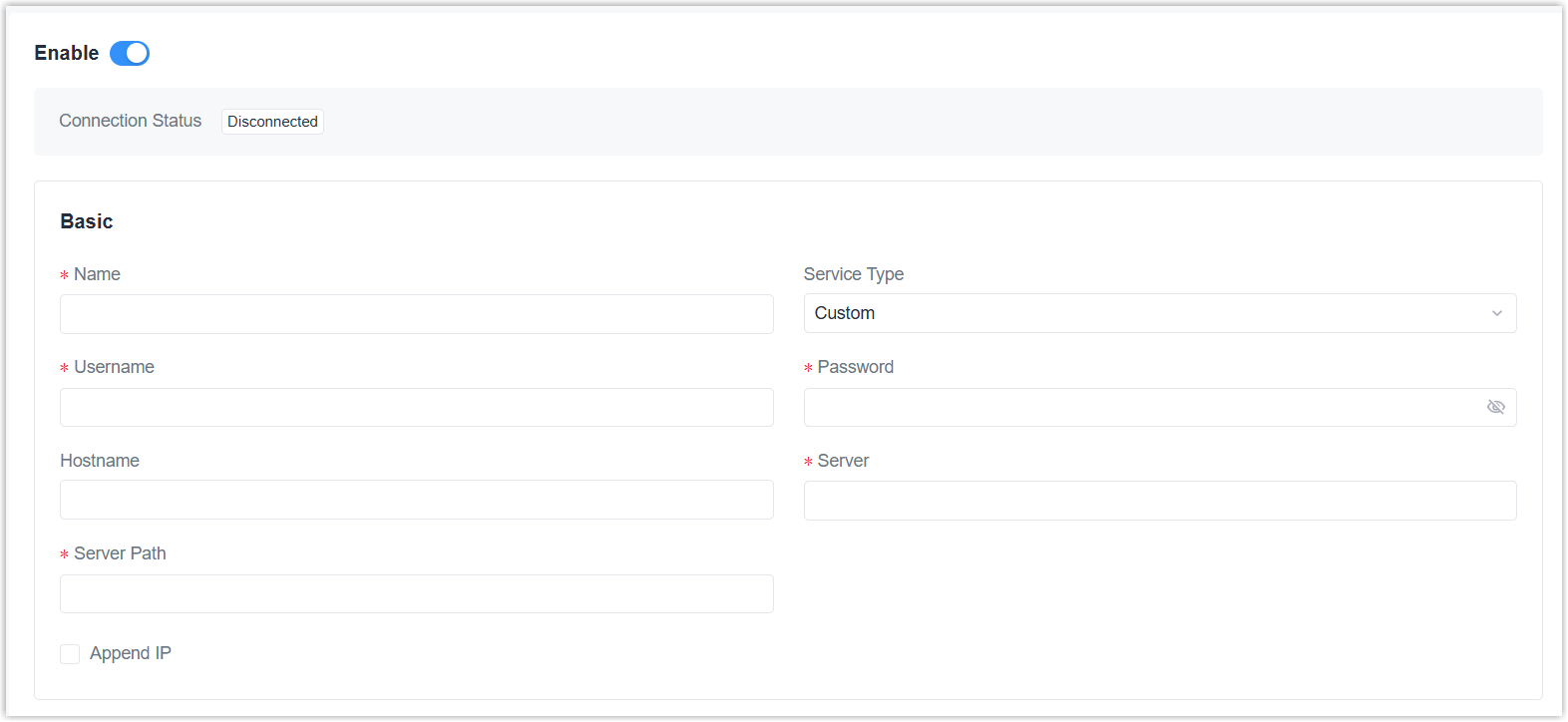
Parameter Description Name Define a name for this DDNS service. Service Type Select the DNS service provider. If it does not exist in these options, select Custom. Username The username to login to the DNS service provider account and make updates. User ID Some DNS service providers require this ID to categorize something. Password The password to login to the DNS service provider account and make updates. Hostname The domain name to be linked with this device IP address. If service type is Custom Server The server address of the custom DNS service provider. Server Path The URL for sending IP update requests to the DNS service provider. Append IP Enable or disable appending the current device IP to the server path. - Click Apply to save the settings.
- Check if the connection status is Connected.
- Use the domain name to access the device to check if the DDNS settings take effect.