Change Device Group
This topics describes how to change the device's group or sub-node.
Prerequisites
- Confirm with your enterprise administrator whether current account role permits access to this feature.
- There is more than one group under this enterprise, or more than one sub-node under this group.
Procedure
- Log in to Milesight Development Platform.
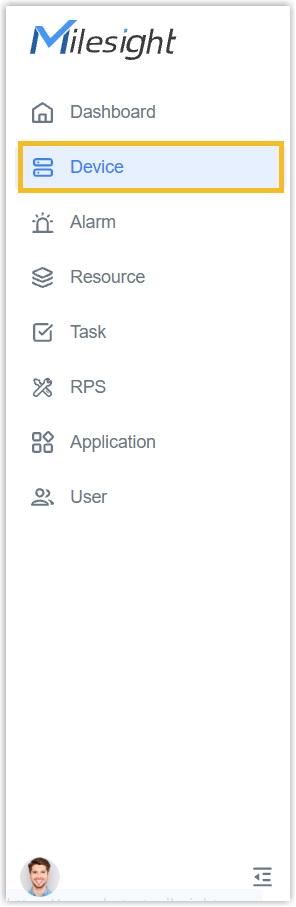
- On the left bar, select the Device
tab.
- Select the desired group or sub-node from the list on the left.
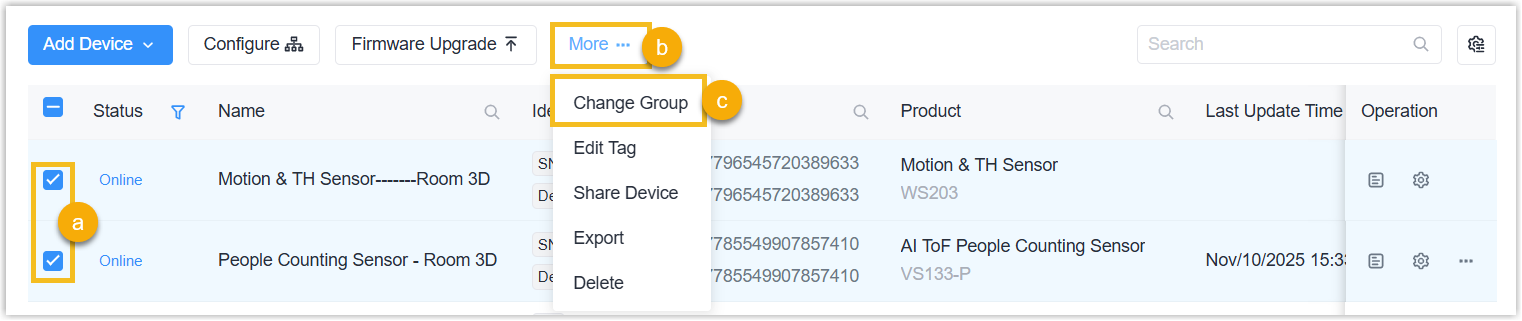
- Select the desired device (s) and click Change Group.
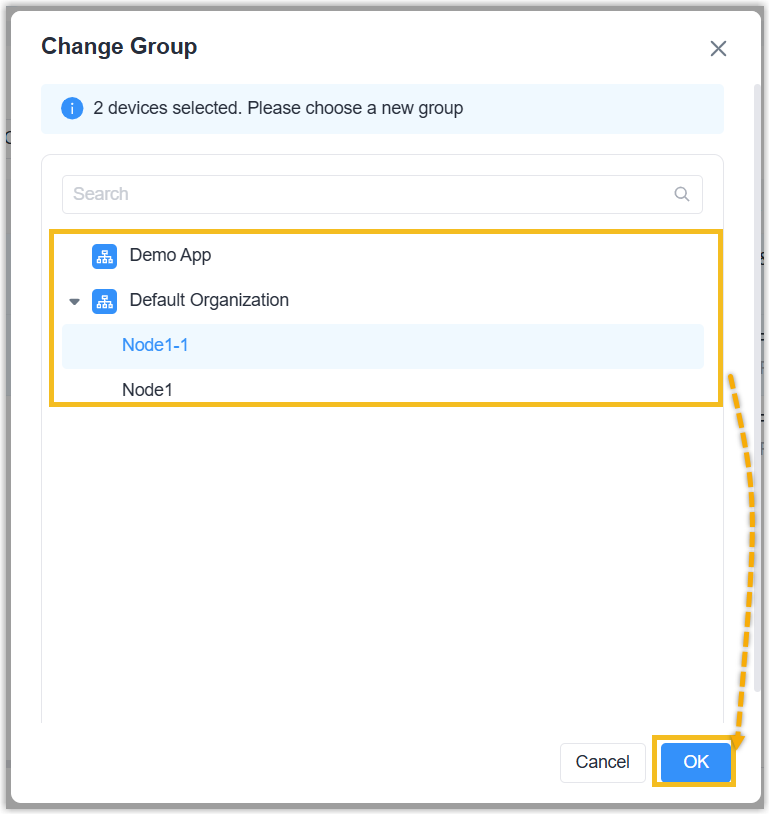
- Select the target group or sub-node to change, click OK.
Result
The device(s) is moved to another group or sub-node, and is also moved to another application.