Export Device Information
This topic describes how to export the information of devices added to Milesight Development Platform.
Procedure
- Log in to Milesight Development Platform.
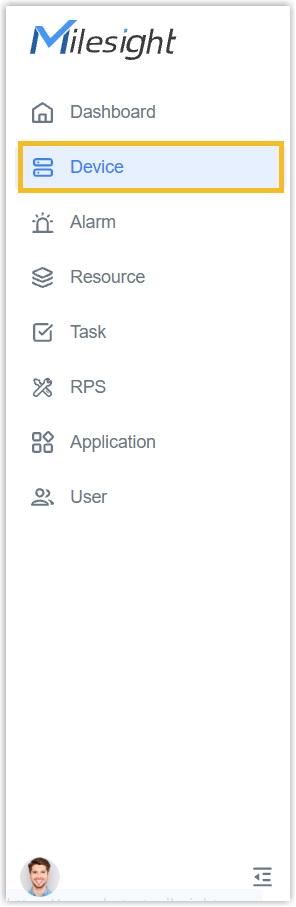
- On the left bar, select the Device
tab.
- Select the desired group or sub-node from the list on the left.
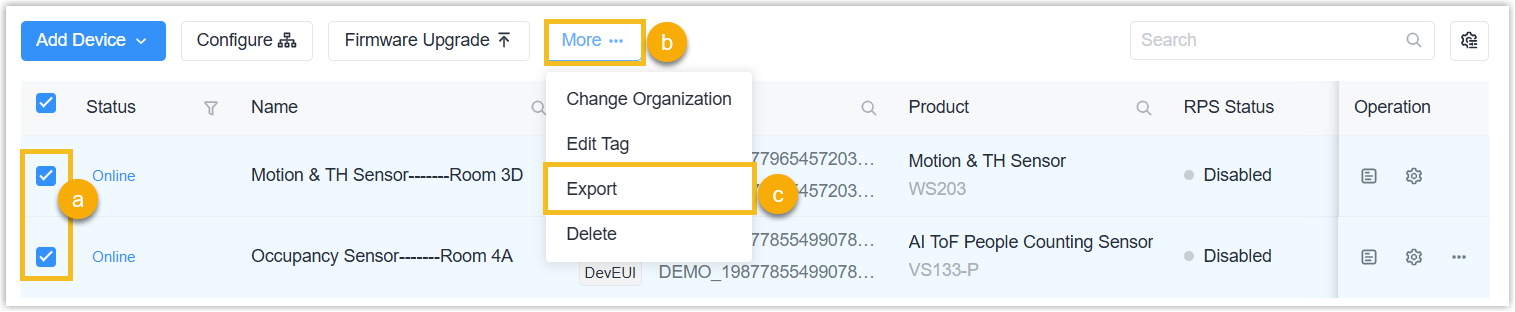
- Select the desired device(s) and click
Export.
Result
An xls file that contains the device information is saved to your
computer.