OpenVPN
Virtual Private Network (VPN) is a feature to set up encrypted tunnels to ensure data secure transmission, and allow the access between two private networks. This chapter introduces the OpenVPN feature to ensure secure communication.
Prerequisites
- A working OpenVPN server.
- The gateway has accessed the network to reach the OpenVPN server.
- A OpenVPN client configuration file according to sample: client.conf. The parameters can be referred here.
Step
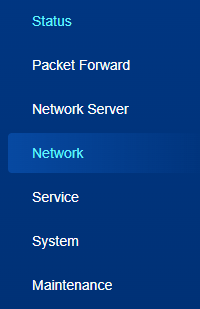
- On the left bar, select Network page.
- On the top bar, select OpenVPN tab.
- Enable OpenVPN and configure the related parameters.
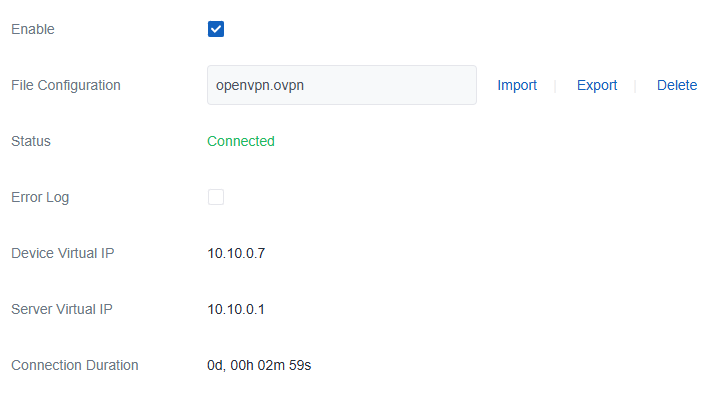
Parameter Description File Configuration Click Import to upload the .ovpnconfiguration file.Status Display the connection status between the gateway and the OpenVPN server. VPN Global Route When enabled, all data traffic will be sent out via this OpenVPN tunnel; otherwise, only the data traffic under the subnet of the VPN tunnel will be sent out. Error Log Display the connection and configuration error logs. Device Virtual IP Display the device virtual IP address after VPN connected. Server Virtual IP Display the server virtual IP address after VPN connected. Connection Duration Display the connection time after connecting to the VPN server. - Click Save & Apply to save the settings.
- Check if the Status shows connected and if there are virtual IP addresses. If not, check error logs for troubleshooting.