Configure Group Counting
This section describes how to configure the Group Counting function.
The device supports multi-person recognition and counting within the detection area. By analyzing variations in human spacing, movement directions, and speed differences, it provides advanced customer behavior analysis. Group Counting is built upon the Line Crossing Detection functionality.
Applicable Installation Height: 2.2-6 m
Steps:
- In the main page, click Rule from the left navigation
tree.
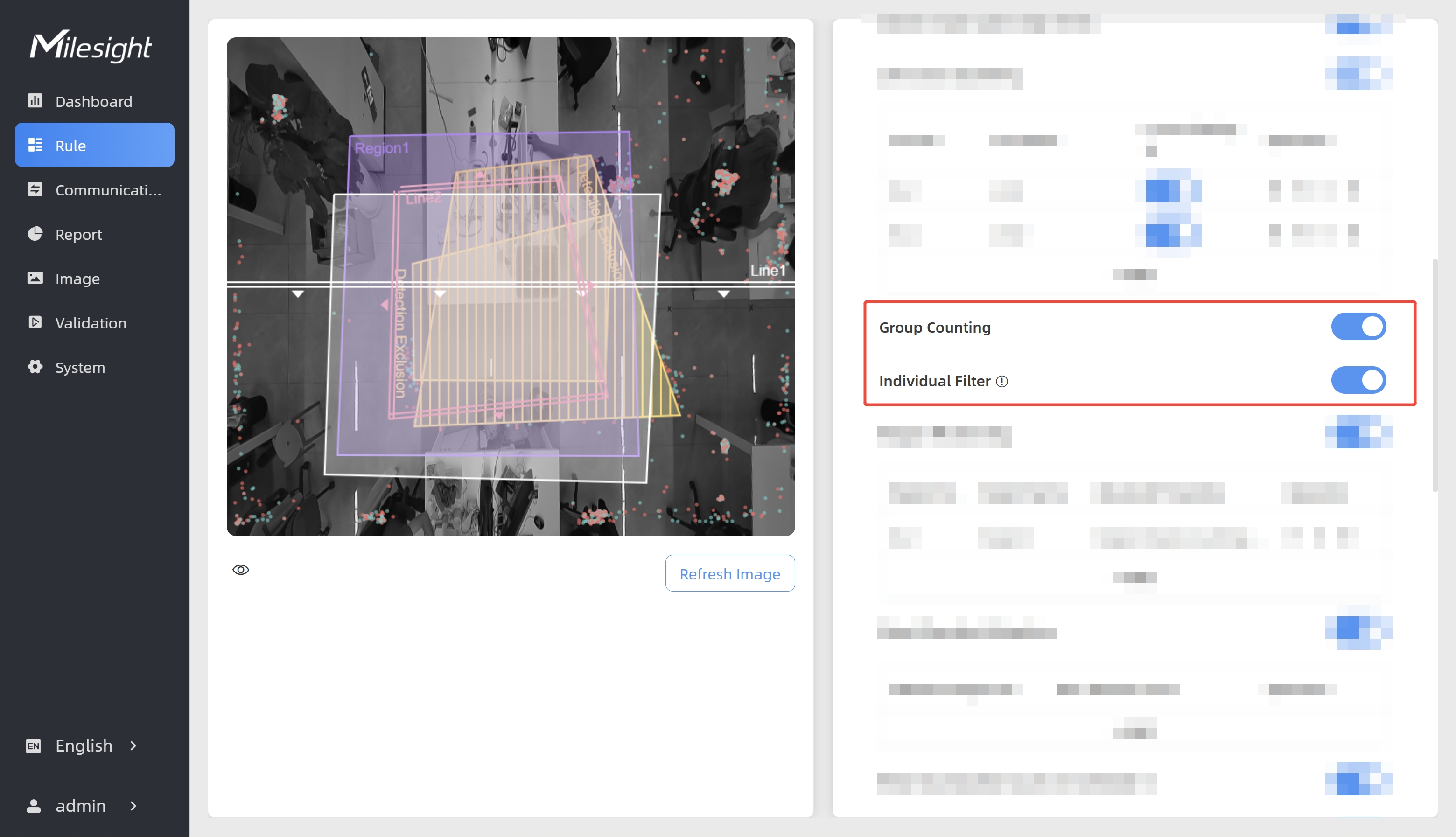
-
Enable the Group Counting function. The device classifies any individual and any party of two or more individuals as a group.
- (Optional) To only classify two or more individuals as a group, enable Individual Filter. When it is enabled, individuals will not be counted as a group.
- Check data through any of the following methods:
- To check the visual configuration effect, click
Dashboard from the left navigation tree.
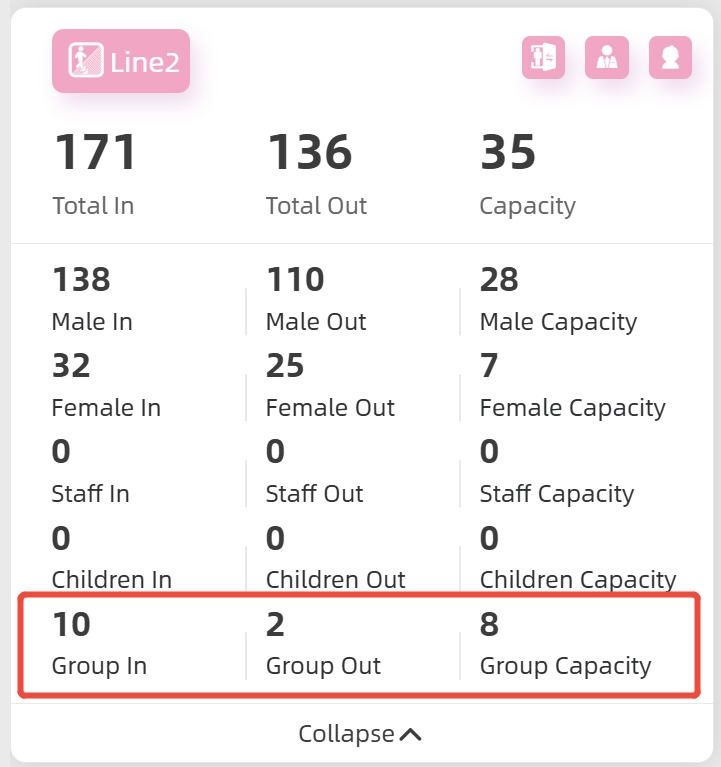
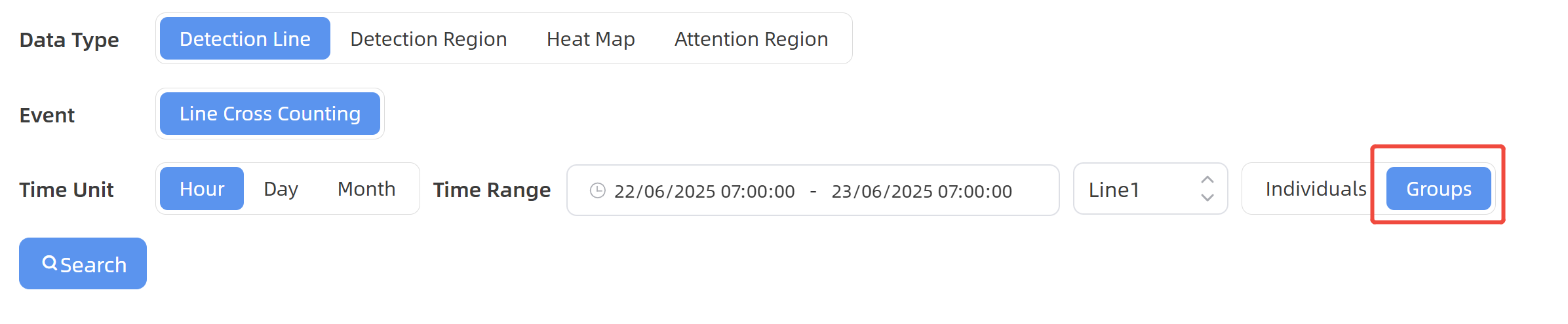
- To view the group data for a certain time period and
generate the corresponding report, click Report from the left
navigation tree. For details, refer to Generate
Reports.
- If recipients are added, check data through command line outputs. For details, refer to Uplink Data Example for Periodic Reporting and Uplink Data Examples for Trigger Reporting.
- To check the visual configuration effect, click
Dashboard from the left navigation tree.