Time Synchronize
Users can set synchronize mode for VMS time, including Do Not Sync, Internet Time and Specific Server. In addition, users can synchronize VMS time to the devices. This page is as shown below:
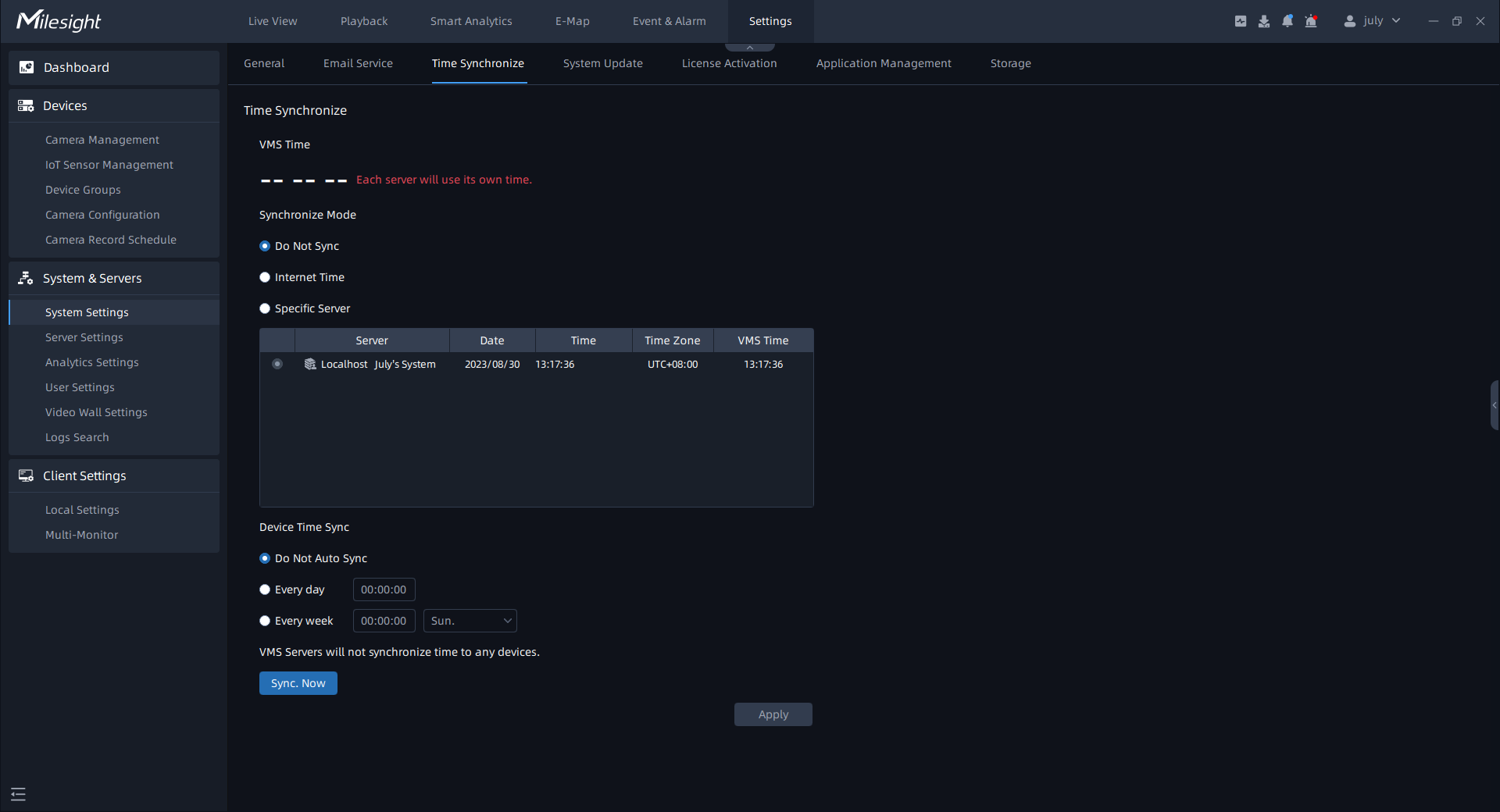
The meanings of the items on the page can be referred to the table below:
|
Items |
Function Introduction |
|
|---|---|---|
|
Synchronize Mode |
Do Not Sync |
Choose this item, then each server added to VMS system will use its own time as shown below: 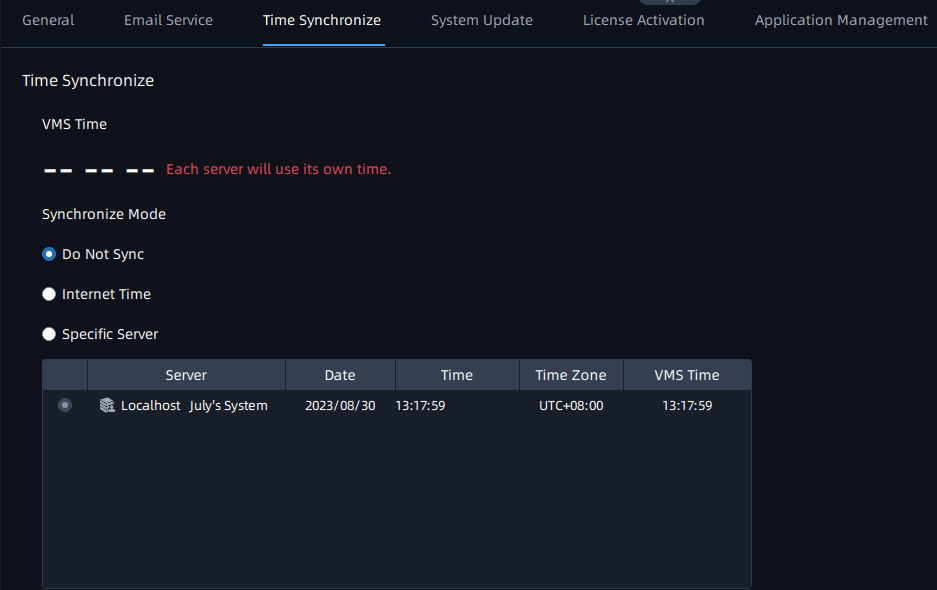 |
|
Internet Time |
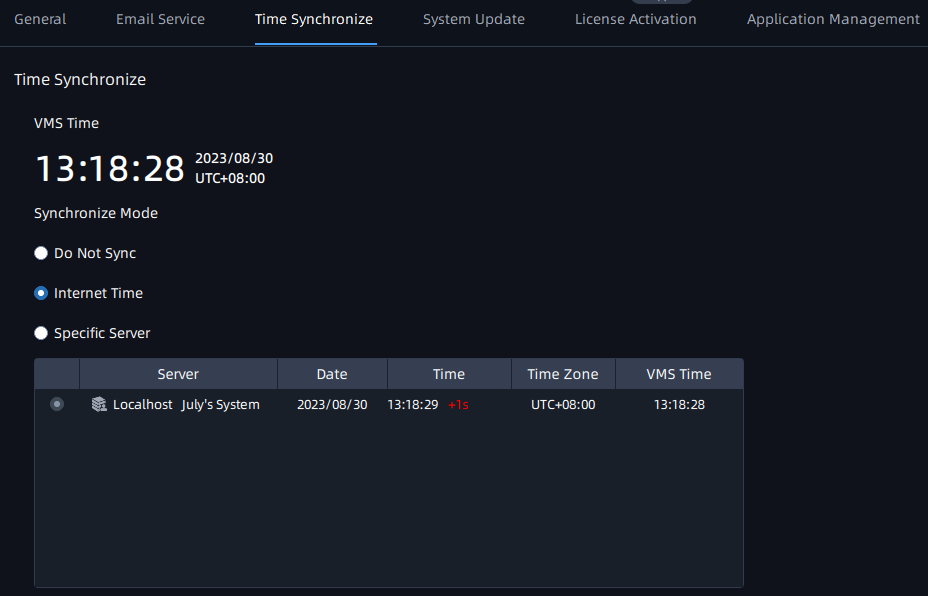
Choose this item, then VMS system will use Internet to synchronize time as shown below:
|
|
| Synchronize Mode |
Specific Server |
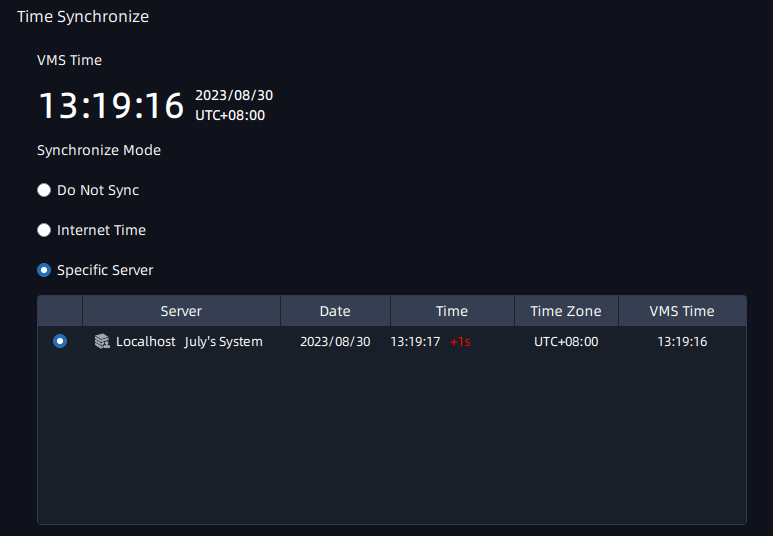
Check this item and choose a server time as VMS time as shown below:
|
|
Device Time Sync |
Do Not Auto Sync |
VMS Servers will not synchronize time to any device under this option. |
|
Every Day |
VMS Servers will synchronize VMS time to all devices every day according to the user's setting.  |
|
|
Every Week |
VMS Servers will synchronize VMS time to all devices every week according to the user's setting.  |
|
|
Sync. Now |
Click this button and the VMS Server will synchronize time to all devices. |
|