System Update
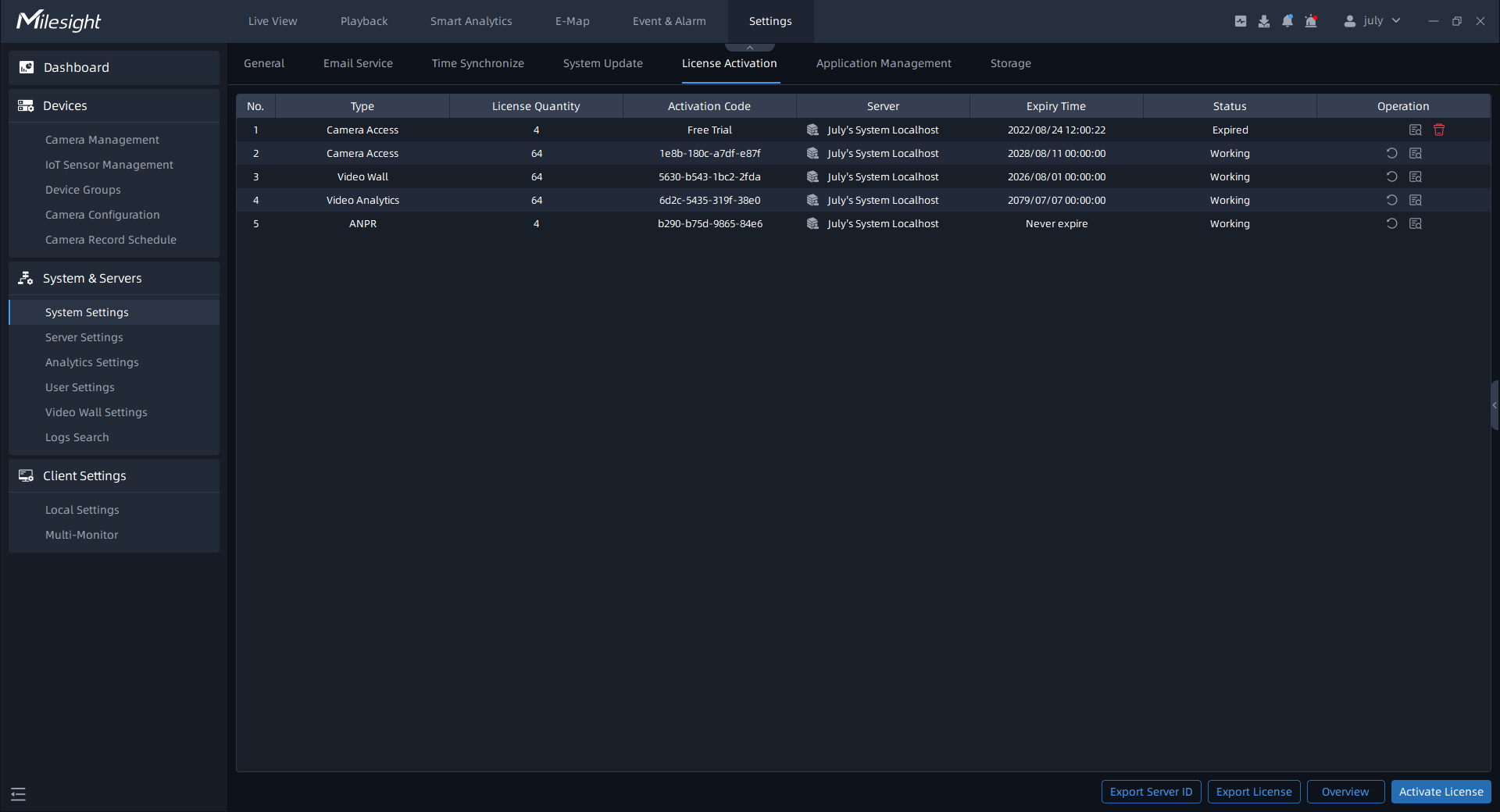
Here you can update any client, server, video wall and analytics server in the system as needed. The list shows the information of all clients, servers, video walls and analytics servers in the system, including Component, Server name, IP Address, Current Version, Newer Version, System, Platform and Status. This page is as shown below:
There are two update ways, including Online Update and Local Update.
- Online Update
Step1: Click  button to check Online Update. Click
  button to update to the target version.
- Local Update
Step1: Click  button to check Local Update. Click
  button to upload the specified version higher
than the current one. After the upload is successful, the corresponding version will be
displayed in the target version column.
button to upload the specified version higher
than the current one. After the upload is successful, the corresponding version will be
displayed in the target version column.
Step2: Click  button to update to the target version. If no
version is uploaded, by default, the target version is the latest version.
button to update to the target version. If no
version is uploaded, by default, the target version is the latest version.