Device Profiles
Device profiles define the capabilities of LoRaWAN® end devices and network joining parameters. The gateway provides eight types of profiles for most devices. If these profiles are not compatible with your devices, refer to this chapter to add and manage custom device profiles.
Prerequisites
Obtain profile parameters from end device vendors.
Steps
- On the left bar, select Data Service > Data
Acquisition page.
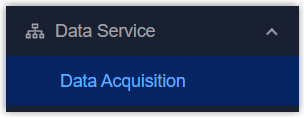
- On the top bar, select LoRaWAN tab, then select Device Profiles tab.
- Click
 to check the details of default profiles.
 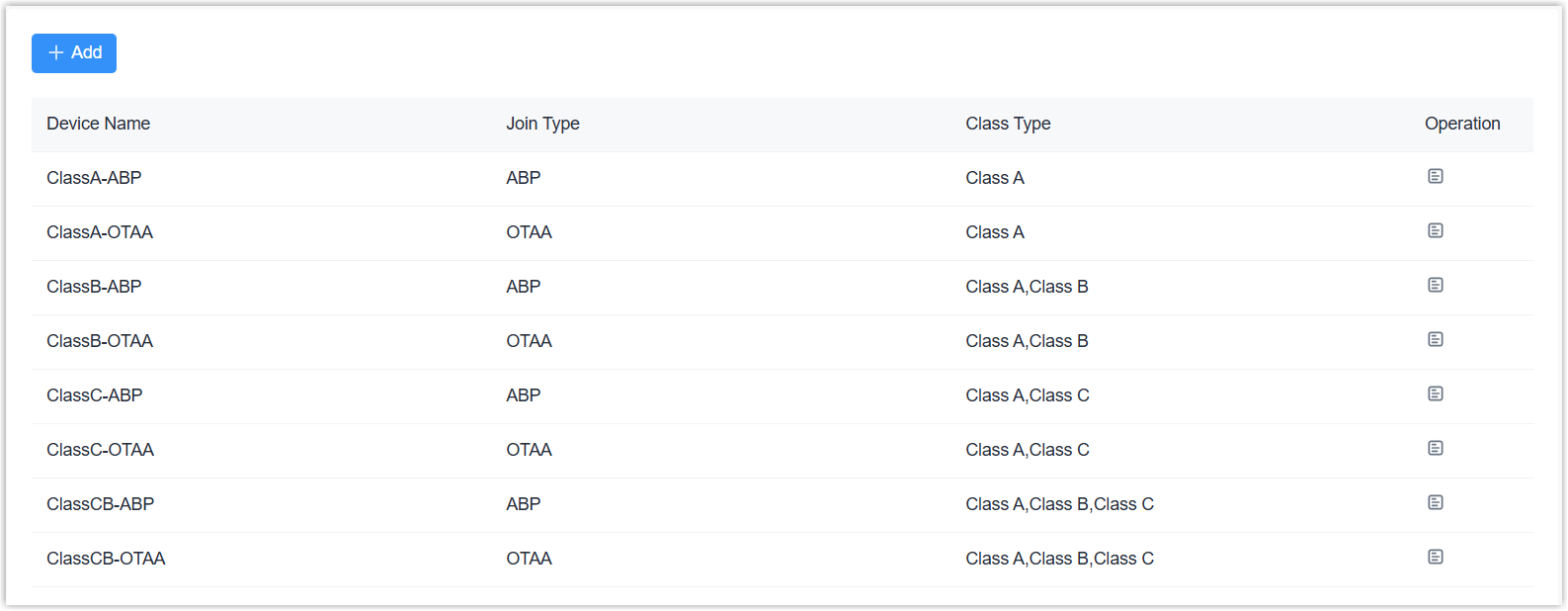 If all not matching your devices, click +Add to add a new profile and configure the parameters.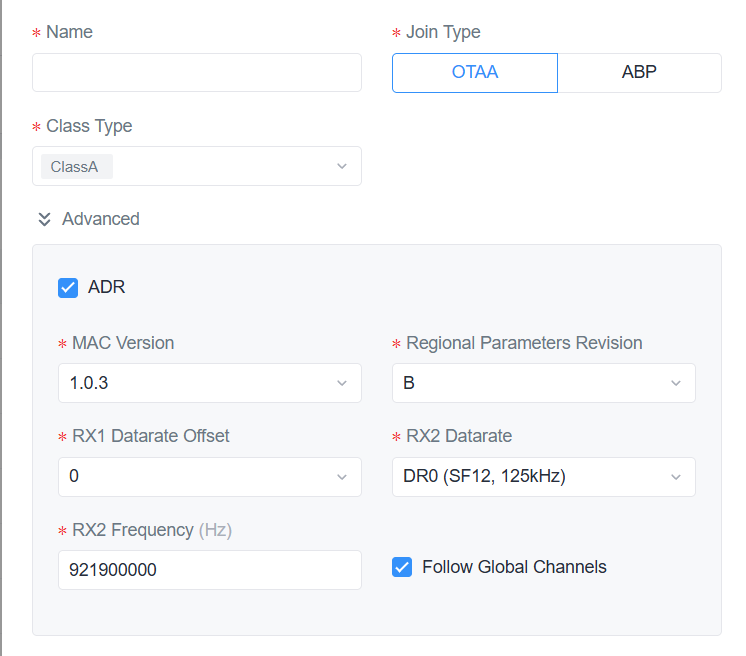
Parameter Description Name Define a unique device profile name. Join Type Select OTAA or ABP. Class Type Select Class B or Class C. Class A is permanently enabled. Advanced ADR Enable or disable ADR (Adaptive Data Rate) to send commands to device to adjust the data rate. This takes effect only when ADR is enabled on both the gateway and the device. MAC Version Select the MAC Version of the end devices. Regional Parameters Revision Select the regional parameters version identifier for this profile.. RX1 Datarate Offset The offset used to calculate the RX1 data rate based on the uplink data rate. RX2 Datarate The data rate of RX2 window. RX2 Frequency The frequency of RX2 window. Follow Global Channels Disable or enable the device to use channels the same as LoRaWAN® device access network. If disable, configure the following parameters:
Device Channel: Allow end devices to communicate via specific frequency channels by entering the channel indexes. This only works with CN470/US915/AU915 channel plans.
Examples:1,40: Enable Channel 1 and 40
1-40: Enable Channel 1-40
1-40, 60: Enable Channel 1-40 and 60
Null: Enable all channelsTip: Set this value to 8-15 when using the default settings for Milesight end devices.Additional Channels: Enable or disable additional channels as required. This only works with channel plans other than US915/AU915/CN470.
Ping Slot Periodicity The period during which Class B end devices open the ping slot to receive messages. Ping Slot Data Rate The data rate to receive downlinks for class B devices. Ping Slot Frequency The frequency to receive downlinks for class B devices. Class B ACK Timeout The time to wait for a downlink response from class B devices. If no response is received within this time, the gateway will retransmit the downlink command. Class C ACK Timeout The time to wait for a downlink response from class C devices. If no response is received within this time, the gateway will retransmit the downlink command. - Click Save to save the profile.
- Click
 to edit the custom profile, or click
  to delete the custom profile.