Temperature & Humidity Calibration Reports Download
Enter the Device SN/Probe ID to download your Milesight product temperature & humidity calibration report.
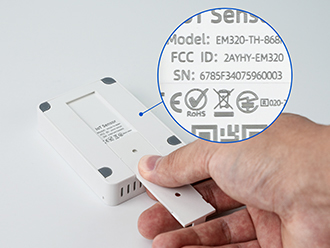
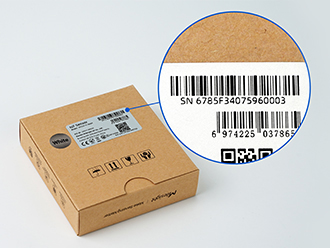
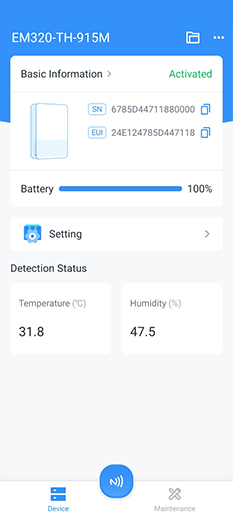
Find Your Device SN/Probe ID
Select Your Device Type (optional)
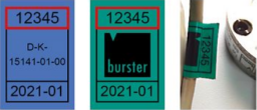
For probe-type products such as TS201 and TS30X, report results correspond to the probe type and the probe ID
Where to Find:
Access Your Report
By Single SN/ID
By Multiple SNs/IDs
Upload Excel File
Choose Your Download Method
Email Address
FAQs
Q: What devices can I check calibration reports for?
Currently, only MS ISO calibration reports are available. Calibration should be booked when placing the order, and we will complete it before shipment. If the device's packaging, main unit, or probe has a calibrated label, you can use the corresponding SN/ID to access the report.
Q: What if my SN/ID is invalid or not found?
Invalid SNs/IDs won't be sent to the server. If valid SNs/IDs return no data, we'll keep them in the input box and show an error prompt.
Q: How long does it take to generate my report?
For most single reports, usually 1.5 seconds. Large batches may take longer.
Q: Can I download multiple reports at once?
Yes. Paste multiple SNs/IDs or upload an Excel file, then download a consolidated ZIP.