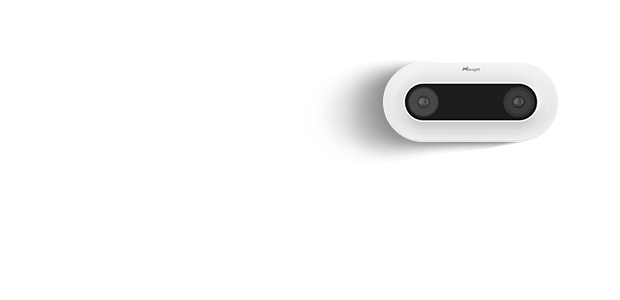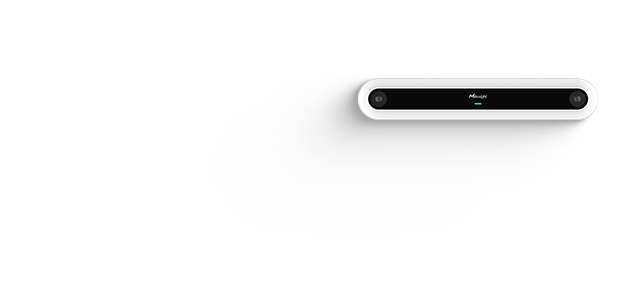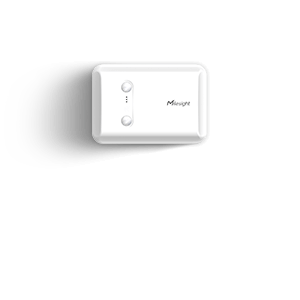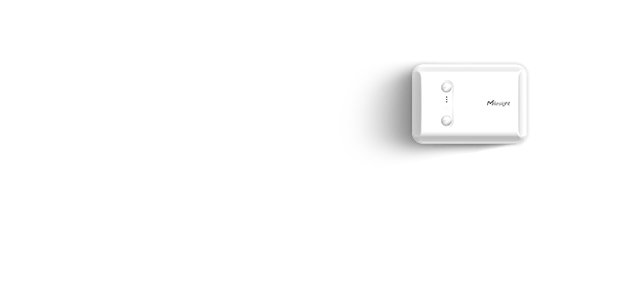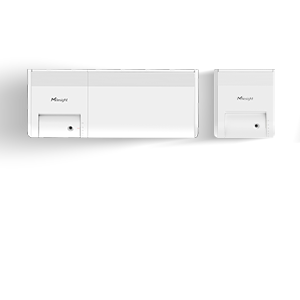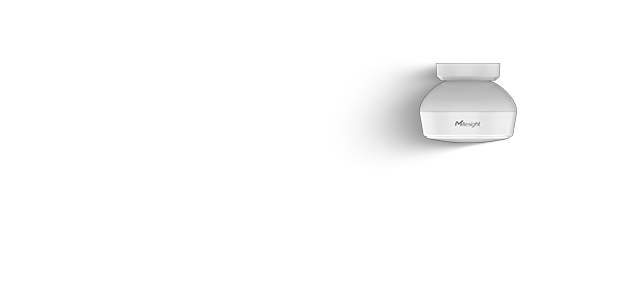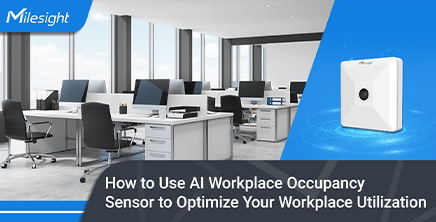

VS121

AI Workplace Occupancy Sensor

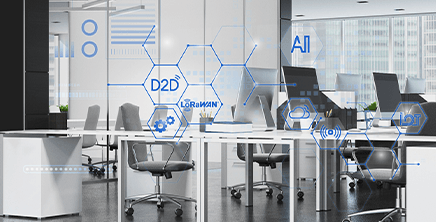
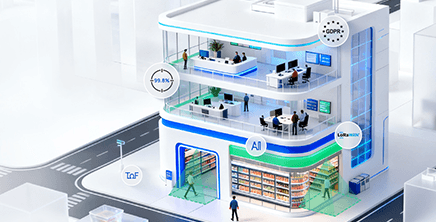
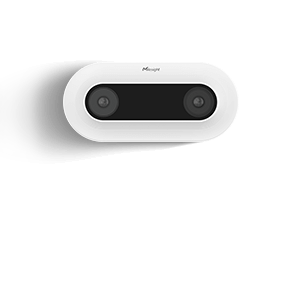
VS121, an AI workplace occupancy sensor with LoRaWAN® and PoE options, delivers GDPR-compliant detection of the presence of people across offices to meeting rooms, optimizing space utilization, and improving building efficiency.

  • FEATURES
  • MODELS
  • ACCESSORIES
  • DOWNLOAD

Advanced AI Sensing Performance for
Workplace Occupancy

Up to 95% Reliable Accuracy

AI-powered VS121 delivers up to 95% accuracy in occupancy detection for reliable operational space planning and decision-making.

100% Anonymous Detection

Ensures fully anonymous detection with no personal data captured, supporting GDPR compliance and privacy-safe occupancy insights for modern workplaces.

Large Coverage, Custom Regions

Covers up to 127.84m² with 16 customizable regions, VS121 adapts to complex indoor layouts and enables precise monitoring across offices, corridors, and meeting rooms.

Multiple Versions, Flexible Deployment

Various models support different heights and indoor or outdoor operating environments, meeting the needs of diverse retail spaces.

Compare versions to find the best fit for your project >

Optimize Workplace Space with Actionable Occupancy Insights

Meeting Room

Open Office

Workplace Planning

Building Automation

Meeting Room Occupancy Optimization

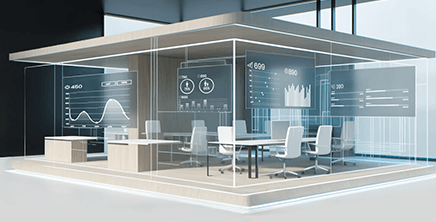
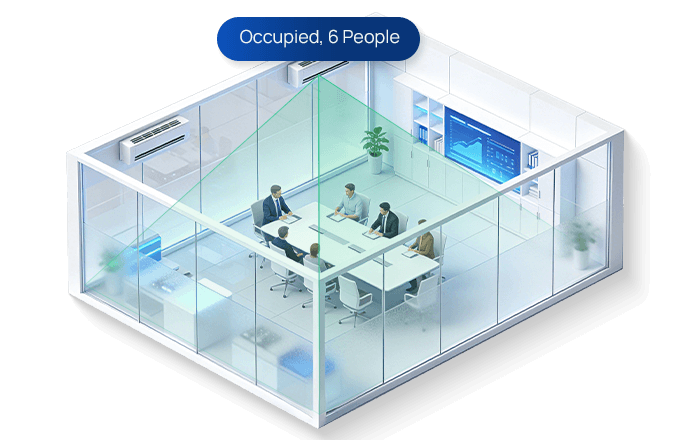
Meeting rooms are often overbooked yet underutilized, leading to wasted space and poor employee experience. VS121 provides real-time occupancy data, including how many people are in the room and how long it has been used (dwell time), to reveal actual usage pattern.

This enables smarter room booking policies, reduces "ghost bookings," and improves overall meeting space utilization.

Watch the Video
ai workplace occupancy sensor meeting room

Open Office Space Utilization

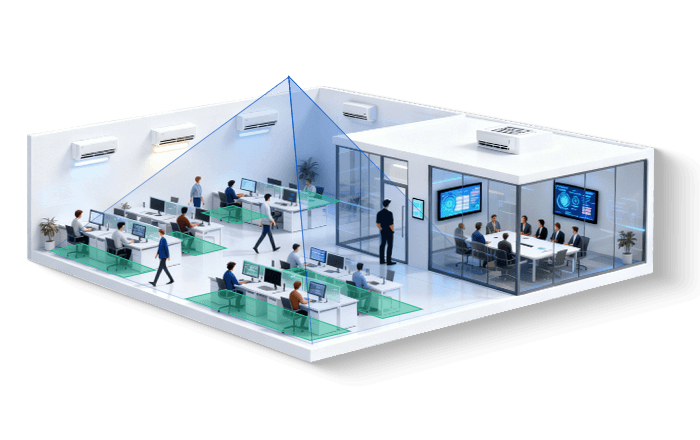
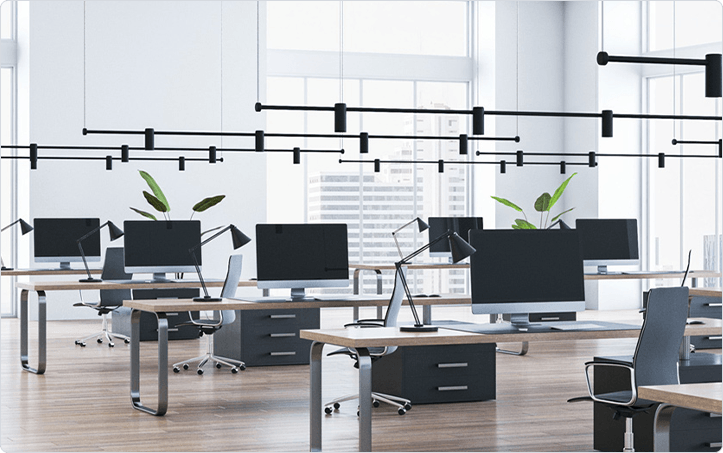
Open office areas lack visibility into how spaces are truly used throughout the day. VS121 delivers continuous people counting and zone-based occupancy data across open-plan environments. By configuring custom regions and irregular line drawing, it enables counting in key areas and bidirectional people flow tracking tailored to real layouts.

With these insights, businesses can optimize desk layouts, reduce unused space, and create more efficient, adaptable workplaces — particularly suited for hybrid work models where space demand shifts daily.

ai workplace occupancy sensor open office

Data-Driven Workplace Space Planning

Without accurate data, workplace planning often relies on assumptions rather than real usage. Based on occupancy and people counting data across different zones and time periods provided by VS121, operators gain clear visibility into how spaces are utilized.

This supports informed decisions on space redesign, capacity planning, and long-term workplace strategy.

ai workplace occupancy sensor workplace planning

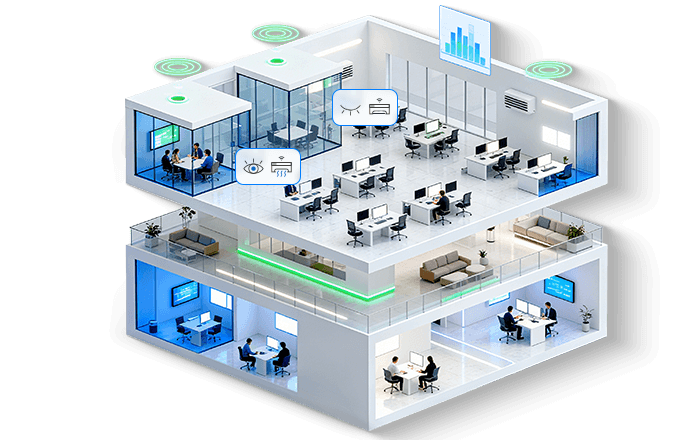
Occupancy-Based Building Automation

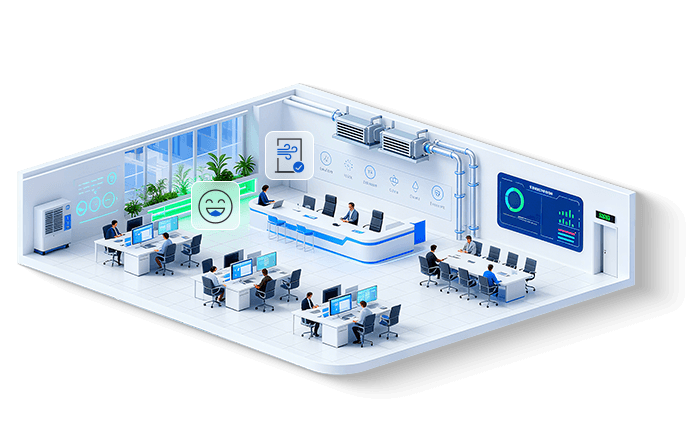
VS121 collects real-time occupancy data across meeting rooms, workstations, and shared spaces, transmitting it to building systems via LoRaWAN® or Ethernet. It also supports Milesight D2D communication for direct device-to-device triggering without a gateway. Once integrated, this data enables automated control of HVAC, lighting, ventilation, and other systems based on actual workspace management.

With support for rule-based automation, dynamic zoning, and scheduling, buildings can respond instantly to occupancy changes, reducing energy consumption, lowering costs, and improving operational efficiency.

ai workplace occupancy sensor building automation

Advanced Workplace Occupancy Insights Beyond Counting

Accurate Occupancy Detection

In-Depth Behavior Analytics

AI-Powered Detection Accuracy

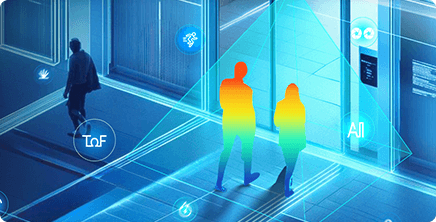
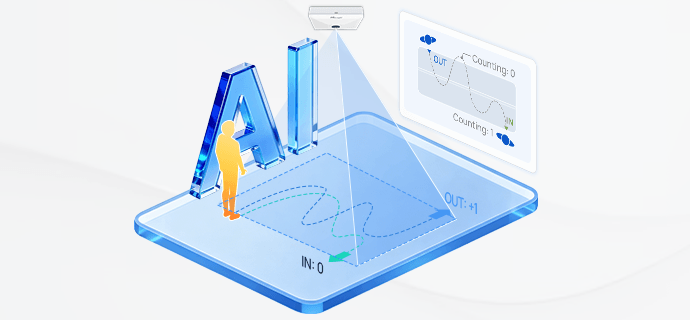
Powered by advanced AI algorithms, VS121 detects complex movement patterns such as U-turn behavior to avoid duplicate people counting, ensuring more accurate occupancy and foot traffic data.

ai workplace occupancy sensor ai powered detection accuracy

Line Crossing Counting

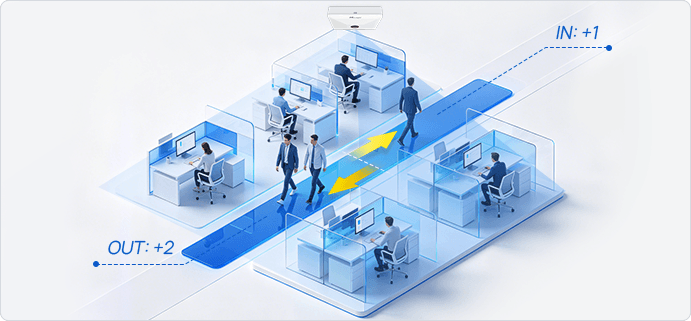
Supports bidirectional people counting with flexible line drawing, delivering up to 95% accurate traffic analytics.

ai workplace occupancy sensor line crossing counting

People Flow Analysis

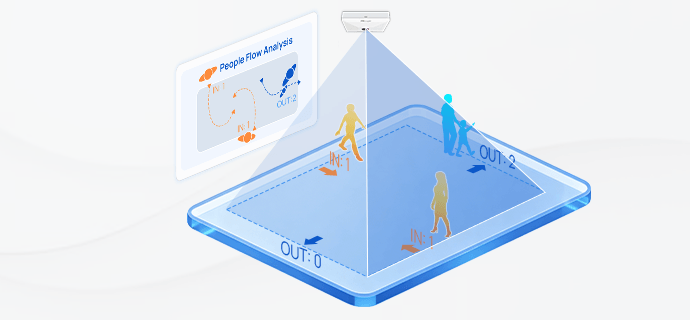
Analyzes movement directions within defined zones to identify traffic patterns and high-occupancy areas in workplaces or retail.

ai workplace occupancy sensor people flow analysis

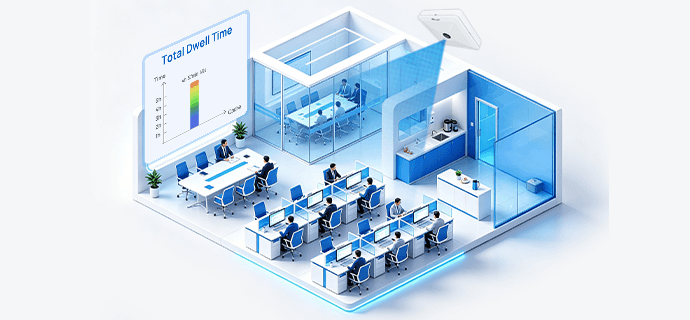
Dwell Time Detection

Tracks how long people stay in a space, providing insights to optimize occupancy, layout, and operational efficiency.

ai workplace occupancy sensor dwell time detection

Choose the Right AI Workplace Occupancy Sensor Version
for Your Deployment

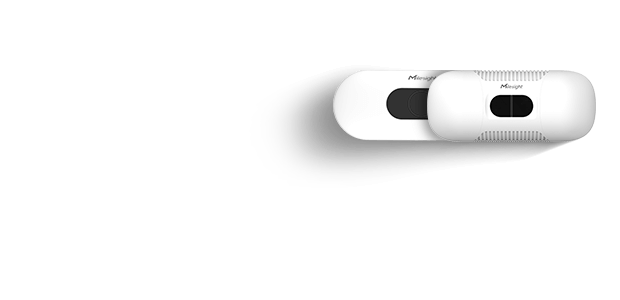
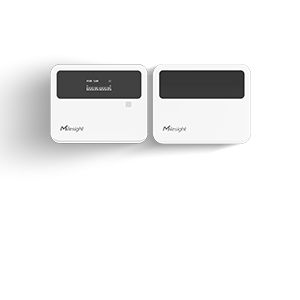
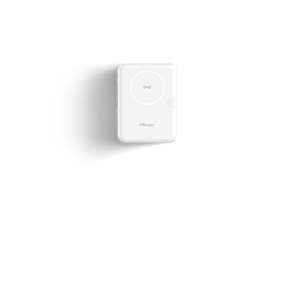
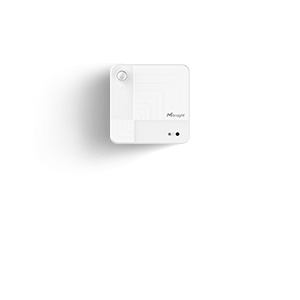
VS121 LoRaWAN® Version

(White & Black)

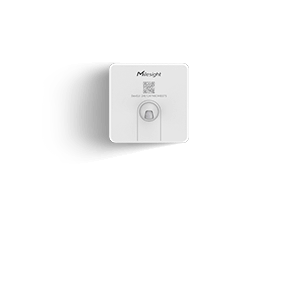
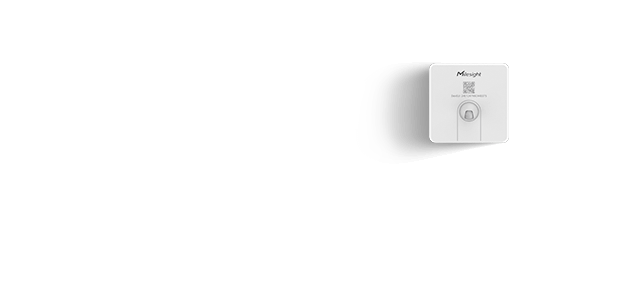
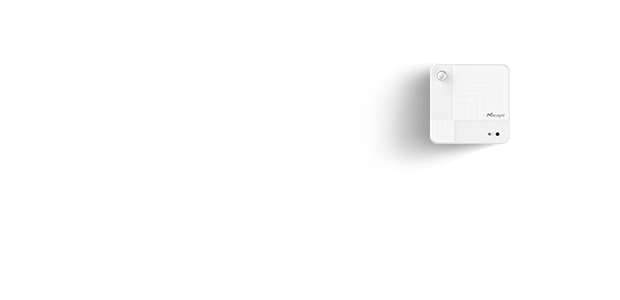
VS121 PoE Version

(White)

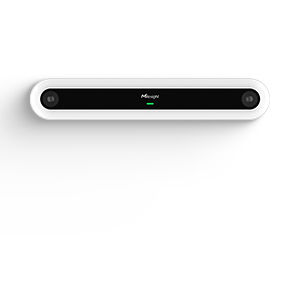
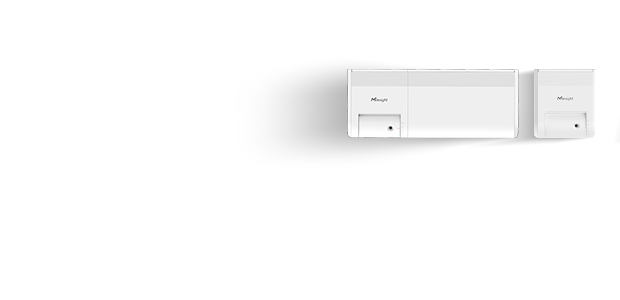
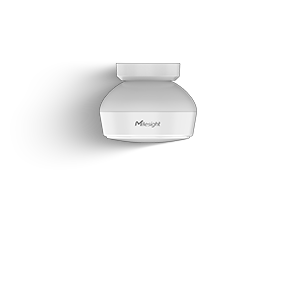
High Ceiling Mount Version

ai workplace occupancy sensor vs121

Highlights

Fully anonymous sensing, ideal for scalable office deployments

Key Features

  • Low Power Consumption
  • Easy and Wireless Deployment
  • Long Distance Transmission

Best For

Privacy-focused workplaces: Meeting rooms, Open-plan offices, and Hot-desking zones

ai workplace occupancy sensor vs121 p

Highlights

Supports deeper integration and richer data capabilities

Key Features

  • Ethernet Transmission
  • Schedule Setting
  • Scalable Performance with Rich Interfaces (DI/DO, RS485)
  • Dual Privacy Modes with Video Stream (Normal & Blur)

Best For

Data-raich enviroments: Retail zones

ai workplace occupancy sensor vs121 high

Highlights

Wide coverage from elevated positions for large spaces

Key Features

  • Up to 7m Installation Height

Best For

Data-raich enviroments: Retail zones

ai workplace occupancy sensor online demo
Username: admin
Password: ms123456
Try Online Live Demo
Coverage Calculator Tool
ai workplace occupancy sensor bg

Real-World Success with VS121 AI
Workplace Occupancy Sensor

Milesight's VS121 AI Workplace Occupancy Sensor empowers smart IoT office environments by optimizing workplace solutions and accelerating digital transformation. Deployed in port offices, these solutions leverage technology to streamline business processes and enhance collaboration. By enabling efficient use of space and resources, they improve operational efficiency, reduce energy consumption, and strengthen safety, security, and sustainability outcomes.

See How It Works
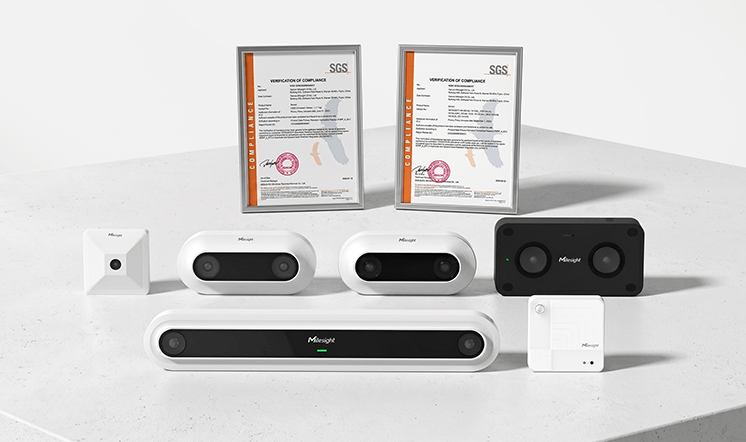
Flexible Integration for Smart Building Systems

VS121 supports standard protocols such as MQTT, HTTP, and Modbus, enabling seamless integration with third-party platforms, BMS, and enterprise systems. From edge devices to cloud platforms, it ensures reliable data transmission and interoperability, supporting scalable deployments from single offices to multi-site workplace environments.

People Sensing, Value Viewing

Milesight People Sensing solutions deliver precise foot traffic insights.
From single retail stores to large-scale buildings, we enable businesses to understand visitor flow,
optimize operations, and make data-driven decisions while ensuring privacy and efficiency.

Related Resources

Blog

Solution

Whitepaper

You May Want to Know

What are workplace occupancy sensors used for?

Workplace occupancy sensors help improve office efficiency, employee comfort, and resource management. They monitor space utilization, providing real-time data on which areas are crowded or underused, helping optimize office layouts. These sensors also support energy savings by controlling lighting and HVAC systems based on occupancy. They enhance the employee experience by aiding in hot desking and alerting staff to cleaning needs. Additionally, they provide data for informed decisions and improve safety by monitoring occupancy limits.

What is the difference between an occupancy sensor and a motion sensor?

The main difference between an occupancy sensor and a motion sensor is their purpose and sensitivity.

  • Occupancy Sensors: Specifically designed to detect the presence of people in a particular space. More than movement, they aim to detect whether a space is continuously occupied, even if there's minimal movement. These sensors may use dual-technology approaches to reduce false positives and improve detection accuracy in static scenarios.
  • Motion Sensors: Detect physical movement within a certain range. They sense a change in position or movement of objects within the sensor's field of view. These sensors primarily use PIR (Passive Infrared), which detects body heat, and sometimes ultrasonic technology, which detects sound waves bouncing off moving objects.

What kinds of workplaces are occupancy sensors suitable for?

Occupancy sensors are suitable for a variety of workplaces where monitoring space utilization and optimizing energy efficiency are important. Here are some examples:

  • Private and Open-plan Offices: To manage lighting, HVAC, and space utilization based on real-time occupancy data.
  • Conference Rooms and Meeting Spaces: To detect presence for effective booking and usage management.
  • Flexible Workplaces: To track desk or seat occupancy for better resource allocation and facility management.
  • Restrooms: To ensure efficient cleaning schedules based on actual usage data and improve space efficiency.

They are also commonly used in educational institutions (e.g. classrooms, libraries, and hallways) and healthcare facilities (e.g. patient rooms, exam rooms, and waiting areas).

What data insights can occupancy sensors provide about office usage patterns?

Occupancy sensors can provide valuable data insights that reveal how office spaces are used. This data is especially useful for facilities management, workspace optimization, and strategic planning. Here are some key insights:

  • Space Utilization: Workplace occupancy sensors can identify the most and least frequently used areas, allowing for better layout planning and resource allocation.
  • Peak Usage Times: Data on when the office is most and least occupied can help manage energy consumption and schedule maintenance tasks more effectively.
  • Room Booking and Meeting Patterns: Occupancy sensors detect unused but reserved rooms to prevent ghost meetings and support room management decisions.
  • In-office Presence and Desk Allocation: With hybrid work policies, occupancy sensors track in-office attendance patterns to better support activity-based work zones.
  • Traffic Flow and Movement Patterns: Occupancy sensors in hallways, elevators, and entrances provide insights into how people move through the office, identifying high-traffic areas and bottlenecks for redesigning layouts or planning cleaning schedules.

How much money do occupancy sensors save?

Occupancy sensors can lead to significant cost savings by optimizing energy usage and improving space management. The exact savings can vary depending on the specific application and environment. In a case study involving over 4,400 units of Milesight sensors deployed across 62 commercial buildings in Canada, the energy cost savings exceeded $250,000 in just the first quarter of 2022.

Specifications

People Counting
Field of ViewStandard Version: 190 ° Horizontal, 112 ° Vertical
High Ceiling Mount Version: 129.4 ° Horizontal, 68.4 ° Vertical
Installation HeightStandard Version: 2.5m to 4m
High Ceiling Mount Version: 5m to 7m
Advanced Function
Regional People Counting & Dwell Time DetectionUpto 16 areas (up to 10 sides for each area)
for regional people counting and dwell time detection
Bi-DirectionalPeople CountingSupport
U-turnsFilteringFilter redundant counting of people wandering in the bi-directional people counting areas
People Flow AnalysisCalculate the traffic of different directions at most 4 edges
Privacy MaskUp to 8 privacy masks to cover certain areas
Data RetransmissionSupport 3000 data retransmission packets
LoRaWAN® Transmission
ProtocolLoRaWAN®, Milesight D2D
FrequencyCN470/IN865/RU864/EU868/US915/AU915/KR920/AS923-1&2&3&4
Tx Power16 dBm (868 MHz)/20 dBm (915 MHz)/19 dBm (470 MHz)
Sensitivity-137 dBm @300bps
ModeOTAA/ABP Class C
Ethernet Transmission
Ethernet Port-
Network Protocol-
Other Interfaces
Wi-FiIEEE 802.11 b/g/n, 2.4GHz (AP Mode for configuration)
DI/DO-
Serial Interface-
Button1 × Reset Button,1 × Wi-Fi Button
LED Indicators1 × Wi-Fi
Power Input-
Physical Characteristics
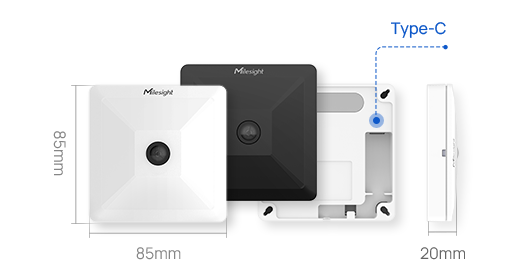
Power Supply5VDC / 2A by Type-C Port
Power Consumption3.5W
Operating Temperature-5°C ~ +55°C
Storage Temperature-20°C ~ +60°C
Relative Humidity0 ~ 95% (Non-condensing)
Ingress ProtectionIP30
HousingPC + Cast Aluminium
Color&WeightWhite/Black (Optional), 126.9g
Dimension85 × 85 × 20 mm (3.35 × 3.35 × 0.79 in)
InstallationCeiling Mounting
Approvals
RegulatoryCE, FCC, Telec, GDPR
EnvironmentalRoHS

People Counting
Field of ViewStandard Version: 190 ° Horizontal, 112 ° Vertical
High Ceiling Mount Version: 129.4 ° Horizontal, 68.4 ° Vertical
Installation HeightStandard Version: 2.5m to 4m
High Ceiling Mount Version: 5m to 7m
Advanced Function
Regional People Counting & Dwell Time DetectionUpto 16 areas (up to 10 sides for each area)
for regional people counting and dwell time detection
Bi-DirectionalPeople CountingSupport
U-turnsFilteringFilter redundant counting of people wandering in the bi-directional people counting areas
People Flow AnalysisCalculate the traffic of different directions at most 4 edges
Privacy MaskUp to 8 privacy masks to cover certain areas
Data RetransmissionSupport 3000 data retransmission packets
Ethernet Transmission
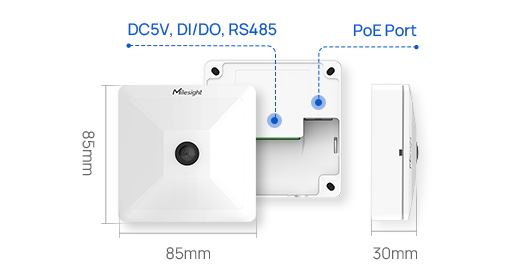
Ethernet Port1 × RJ45 10/100 Mbps (PoE PD)
Ethernet Isolation1.5 kV RMS
Network ProtocolHTTP, RTSP, NTP, SSH, BACnet/IP, etc.
Other Interfaces
Wi-Fi-
DI/DO1/1
Serial Interface1 × RS485 (Under Development)
Button1 × Reset Button
LED Indicators1 × Status
Power Input2-pin 3.5 mm Terminal Block
Physical Characteristics
Power Supply1. 5VDC / 2A by Terminal Block
2. 802.3af PoE
Power Consumption1. DC:3.5W
2. POE:4.5W
Operating Temperature-5°C ~ +55°C
Storage Temperature-20°C ~ +60°C
Relative Humidity0 ~ 95% (Non-condensing)
Ingress ProtectionIP30
HousingPC + Cast Aluminium
Color&WeightWhite, 186g
Dimension85 × 85 × 30 mm (3.35 × 3.35 × 1.18 in)
InstallationCeiling Mounting
Approvals
RegulatoryCE, FCC, GDPR
EnvironmentalRoHS

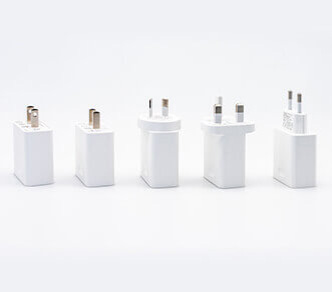
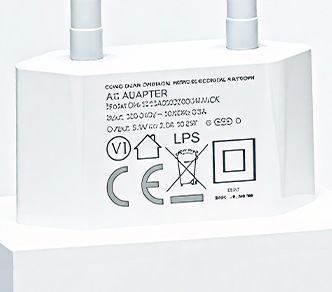
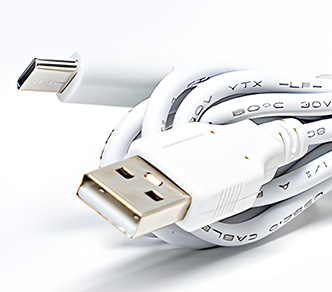
SP01 Type-C Cable (1m) and Power Adapter

Optional

  • P/N: C1000
  • Output Voltage:5V
  • Output Current:1.5A
  • Output Port:Type-C
  • Cable Length:1m
  • Applicable Products:UG56/UG63/VS121/VS121-P

    Documents

    *Your Email

    *Country

    *Your Phone

    *Company

    *Your Website

    *Business Type

    *Which area are you interested in?

    *Message

    *Verification Code

    Verify Code

    If you are interested in Milesight, please leave us a message.

    Verify Code

    Contact Us

    Contact Us

    Verify Code

    Contact Us to Get More Information